Menus, saves and a HUD for memory
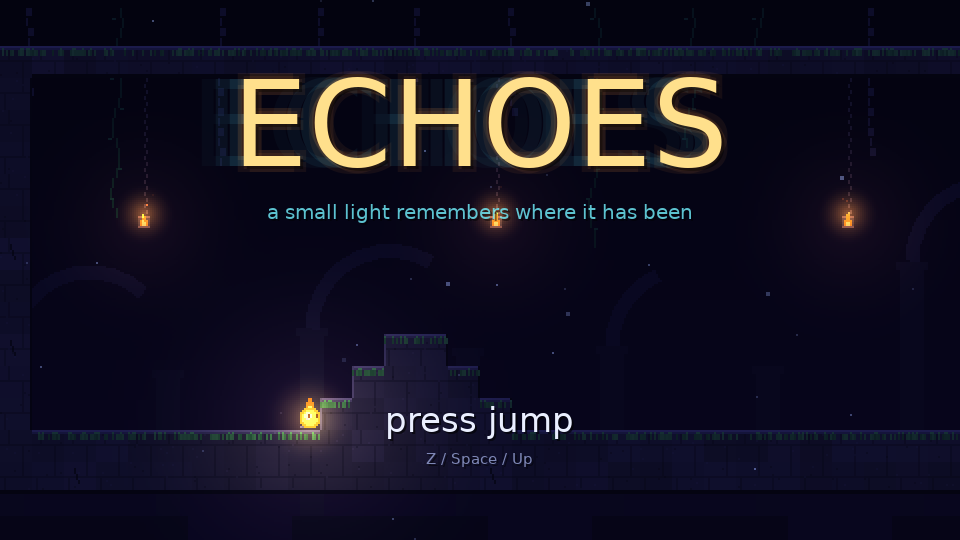
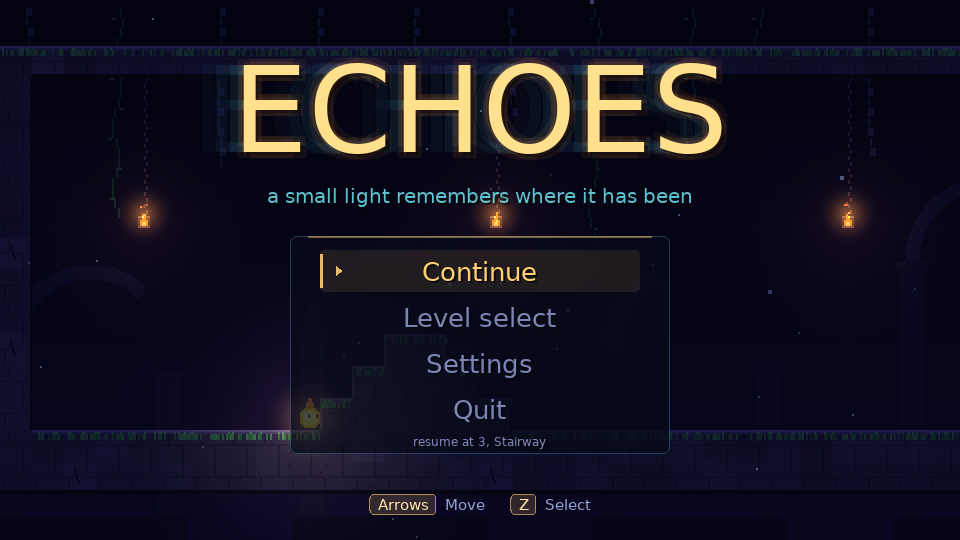
The first build’s title screen said “press jump”, and that was the whole interface. You couldn’t pause, nothing was saved, and there was no way back to an earlier level. This round added all of it. It was built alongside the puzzles in part 3, so the screenshots here still have five levels.
What the HUD shows
Every cast depends on state you can’t see. How much of the last three seconds has the recorder filled? Which ghost goes away if you cast a third time? The HUD shows both. At the bottom left are two echo slots, oldest first, and a “memory” bar for the 3-second buffer.
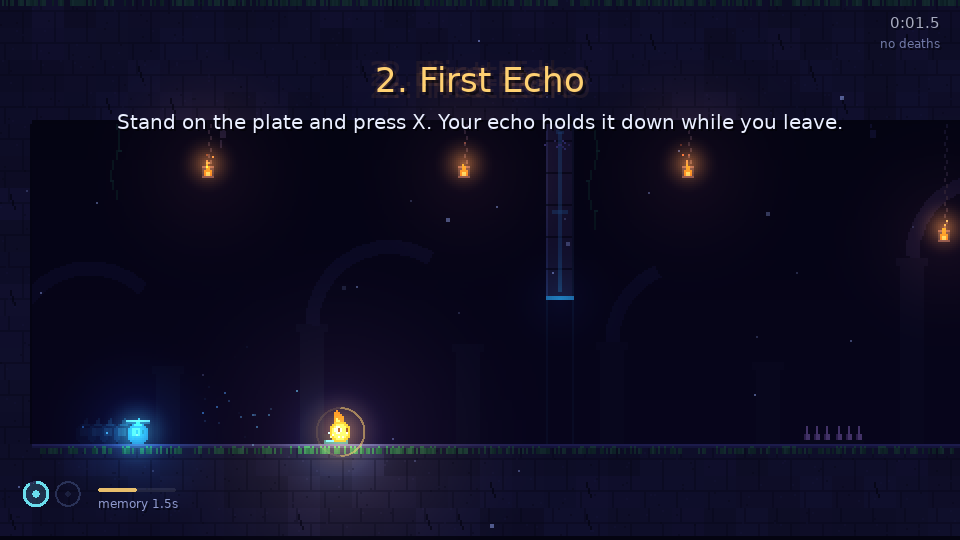
The memory bar matters more than it looks. Right after a level starts, an echo is shorter than three seconds, so it finishes its replay sooner and is gone sooner than a full one. Without the bar, that would look like the echo misbehaving.
The numbers come from hudmodel.lua, a small module that reads the world and returns plain values. The drawing code never touches the recorder:
-- Fraction of the 3 second history the recorder holds; a cast now replays exactly that much.
function Model.memory(world)
  return world.rec.count / Echo.FRAMES
end
Each echo slot shows a fraction too, the share of that ghost’s remaining life, replay plus linger, so you can see which one is about to fade.
One model for every menu
Title, pause, level select, settings and the level-clear card are the same thing underneath: a list of items, a cursor, and actions. menu.lua holds that model and every screen builds on it. An item is a label and an action, or for sliders and toggles, a value and an adjust function. The keyboard and the pad both produce up, down, confirm and back, so no screen needs input code of its own.
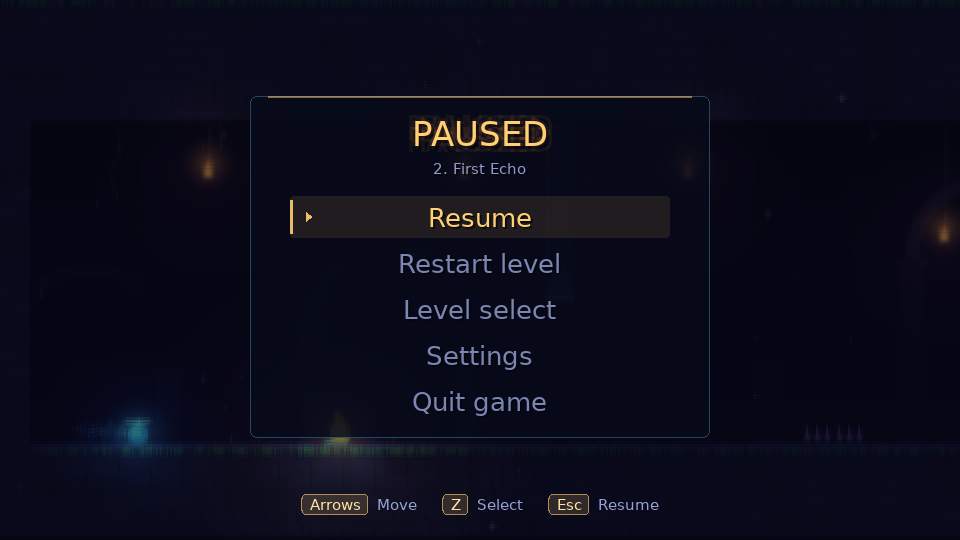
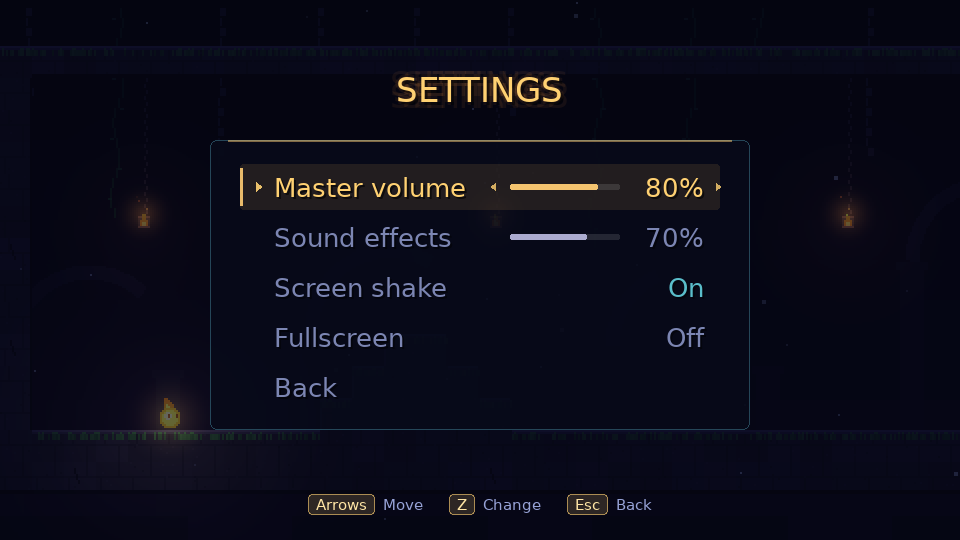
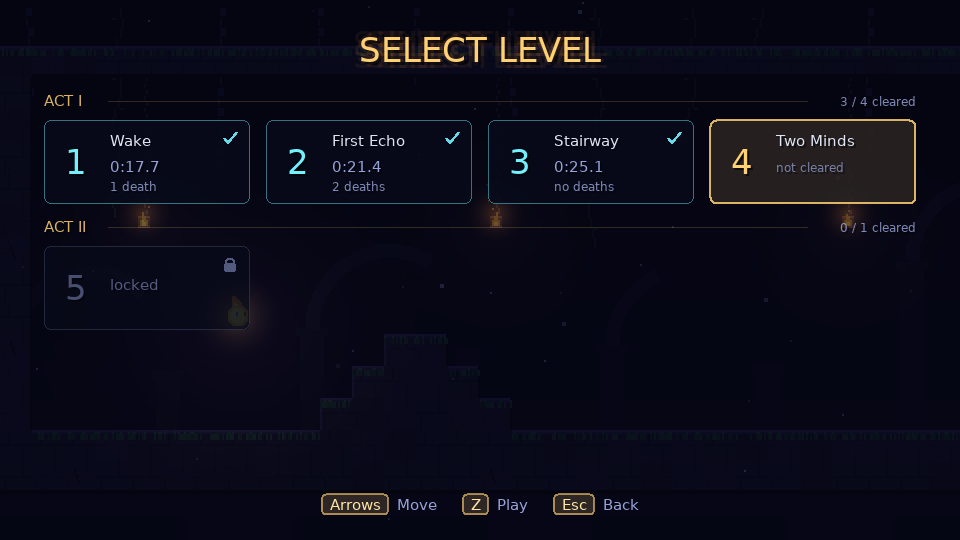
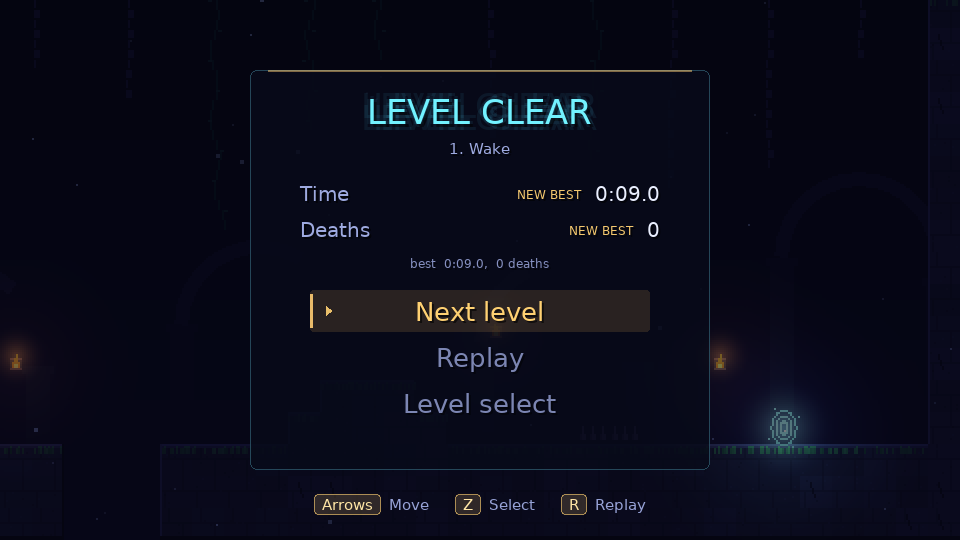
A plain-text save file
Progress and settings go to save.txt in the LÖVE save directory, as plain text with one fact per line:
out[#out + 1] = ('setting master %.2f'):format(s.master)
-- ...
out[#out + 1] = ('level %d %d %s %s'):format(i, r.done and 1 or 0,
  r.bestTime and ('%.3f'):format(r.bestTime) or '-', r.bestDeaths and tostring(r.bestDeaths) or '-')
A player can open the file and read it. The loader treats it as untrusted all the same. Volumes get clamped to 0 to 1. A time that isn’t a finite positive number is dropped. A missing or corrupt file means defaults, not a crash. A level unlocks when the one before it is cleared.
The iris
Scene changes close the screen down to a circle, swap the scene while it’s fully covered, and open again. After a death, a restart or a clear, the circle closes on the player, so your eye is already where the next attempt starts. Menu changes close on the centre of the screen. The transition runs a callback at full cover and ignores menu input while it’s closing, so a double press can’t start two scene changes.