
Four bugs behind a quit button
With puzzles, menus and saves in, I played the whole game. It seemed to race through levels and then crash. Every scripted solution still cleared its level, so whatever was wrong, the scripts weren’t doing it.
Not the simulation
The first suspects were a simulation running too fast and a Lua error. A 10-minute playthrough of all 12 levels, through the real game loop with real frame timing, held a steady 60 simulation steps per second and threw no Lua error. Neither suspect held up.
The four bugs turned out to live in the gaps between scenes. Those are the moments where one screen hands over to the next while a player’s hands are still on the keys.
1. Pause, a menu, resume, and the wrong level
Opening Settings or Level select from the pause menu rebuilt the game’s single shared level layer for the title hall, the little ruin drawn behind the menus. Resume, and the title hall’s tiles and camera were drawn over the level you were playing.
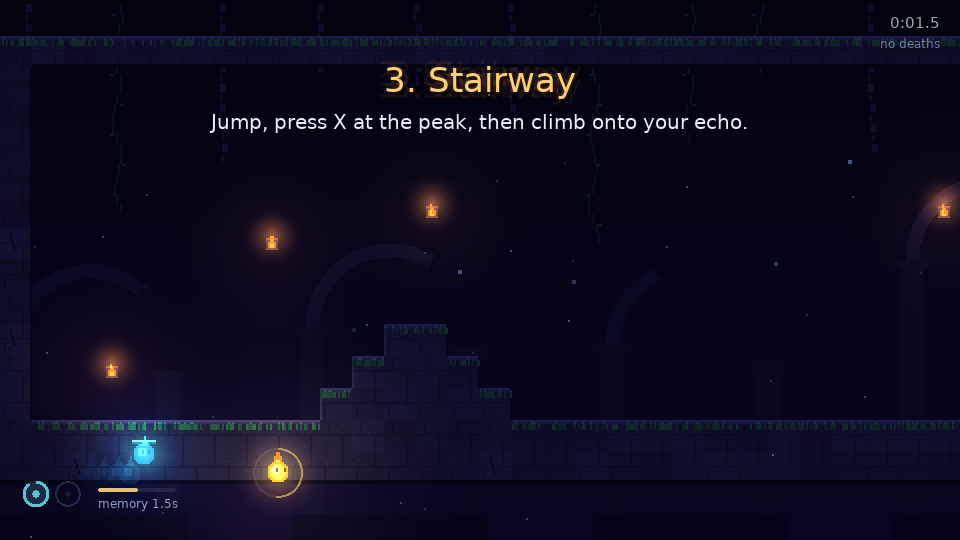
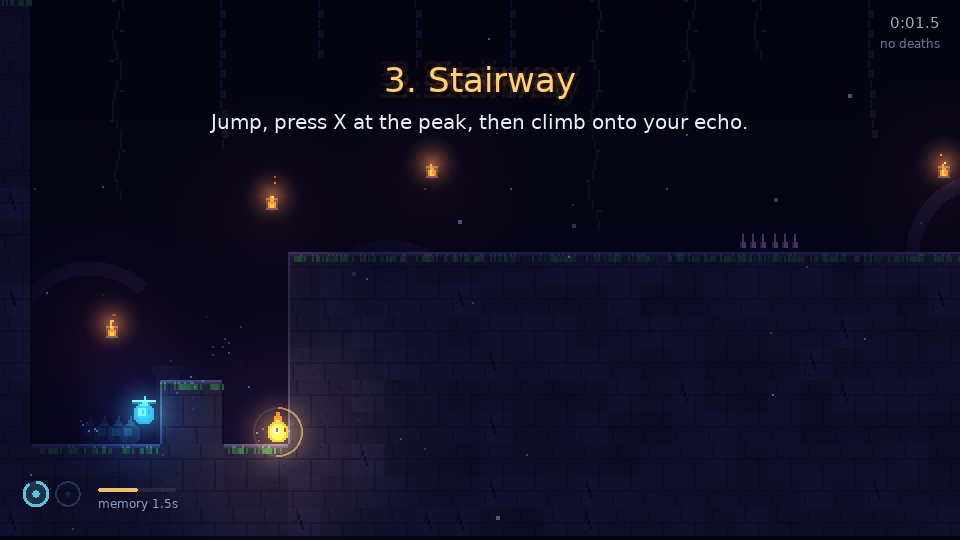
The renderer had one baked R.layer and one R.doorOpen table of door animations, and whichever world was built last owned them. The fix gives each world its own view, kept in a weak table so a world that’s thrown away takes its canvas with it:
local viewsByWorld = setmetatable({}, { __mode = 'k' })

local function view(world)
  local v = viewsByWorld[world]
  if not v then
    v = { doors = {} }
    viewsByWorld[world] = v
  end
  return v
end
The camera and particles moved onto each scene’s own stage the same way. The paused level and the title hall now can’t share anything that one of them could overwrite.
2. Up, then Quit
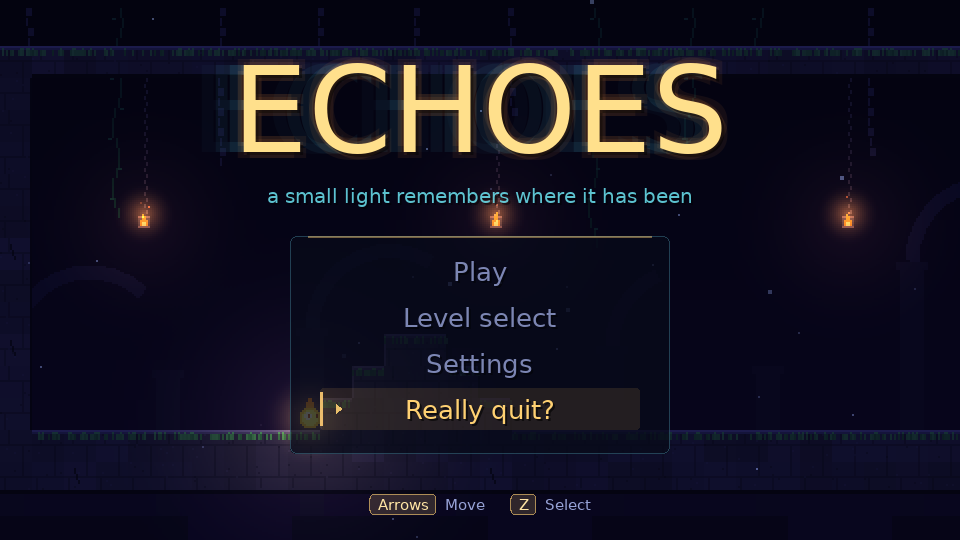
Menus wrapped from the top item to the bottom one, and on the title and pause menus the bottom item was Quit. Up and Z also mean jump. A player with a jump habit could press Up on the title menu, land on Quit, press Z, and the window closed with no warning.
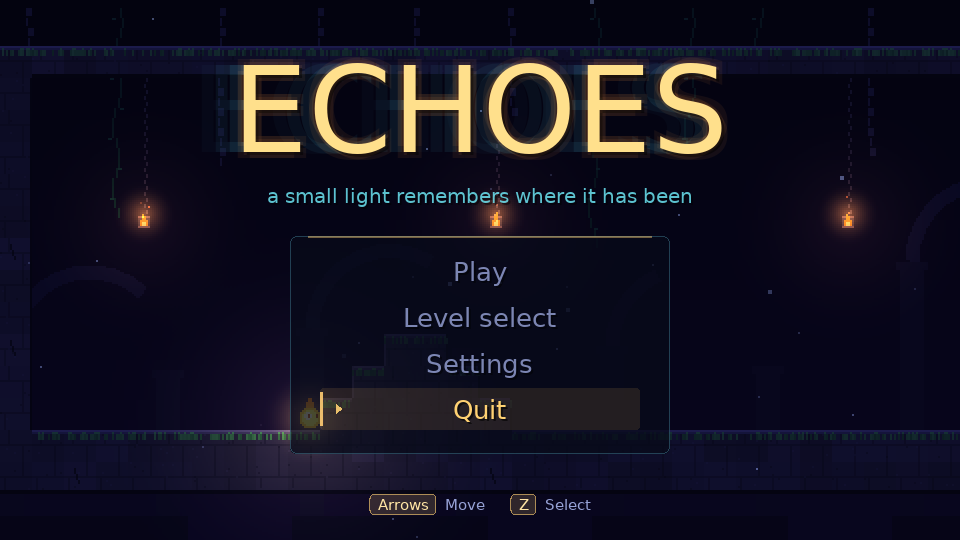
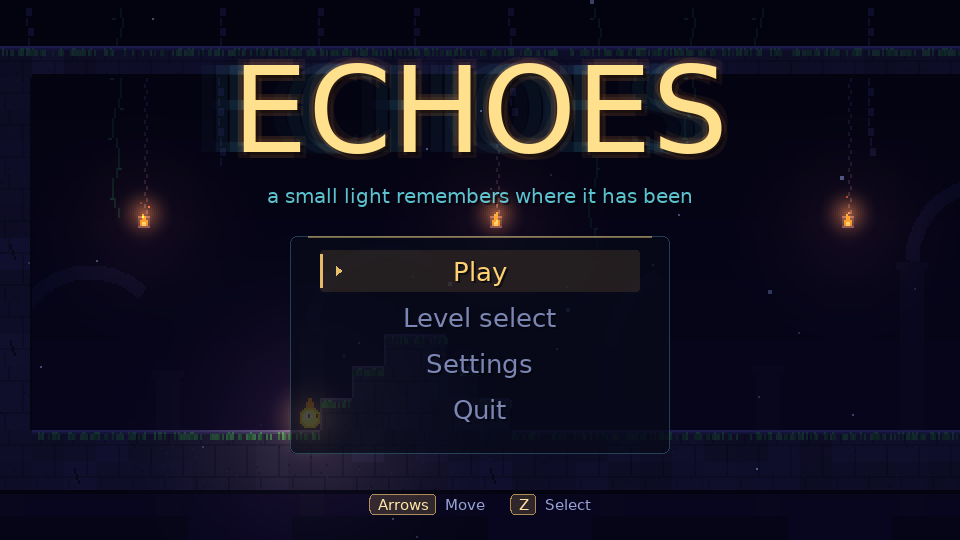
To the person playing, a window that vanishes is a crash. This was the most likely cause of the crash. The fix stops menus at their ends instead of wrapping:
function Menu.move(m, delta)
  local index = math.max(1, math.min(#m.items, m.index + delta))
  if index == m.index then return false end
  m.index, m.armedIndex = index, nil
  return true
end
Quit also asks first. An item can carry a confirm label, and the first confirm on it only arms it.
3. Held keys leaked into the next screen
A jump or stick direction still held when a level ended went straight into the level-clear card. A held jump could skip the card, and a held stick drifted its cursor. That’s the most likely reason the game seemed to race through levels. They appeared to skip ahead by themselves.
The fix only listens to fresh presses. A scene change bumps an epoch, and keys and stick directions already down at that moment stay silent until they’re released:
function Input.requireRelease()
  Input.sceneEpoch = Input.sceneEpoch + 1
  freshKeys = {}
end

function Input.fromKey(key, isRepeat)
  Input.lastDevice = 'key'
  if not isRepeat then
    freshKeys[key] = true
  elseif not freshKeys[key] then
    return {}
  end
  -- ...
A key repeat counts only if the key went down after the scene began. The stick works the same way through navPoll, which marks any direction held across an epoch change as blocked until it comes back to centre.
4. Restart right after the goal
Press R or Back just after touching the goal and the level restarted before the clear was recorded. You beat the level and the game forgot. Restart is now ignored once the player state is cleared.
Why the scripts never saw it
Every fix came with a check that drives the real scenes with key events, and each check failed on the old code before it passed on the new. A check that passes on broken code says nothing about the fix.
The scripted solutions drove the simulation, and the simulation was fine. A script sends one clean key event per action and lets go. It never holds jump through the end of a level, and it never presses Up out of habit.